Few terms are more misunderstood in PC building than “bottleneck.” Search it online and you’ll find anxious builders convinced their new GPU is being “held back” by a CPU that’s actually fine. Let’s clear up what a bottleneck really is, how to measure it, and how to match your CPU and GPU so neither wastes the other.
What Is a CPU Bottleneck?
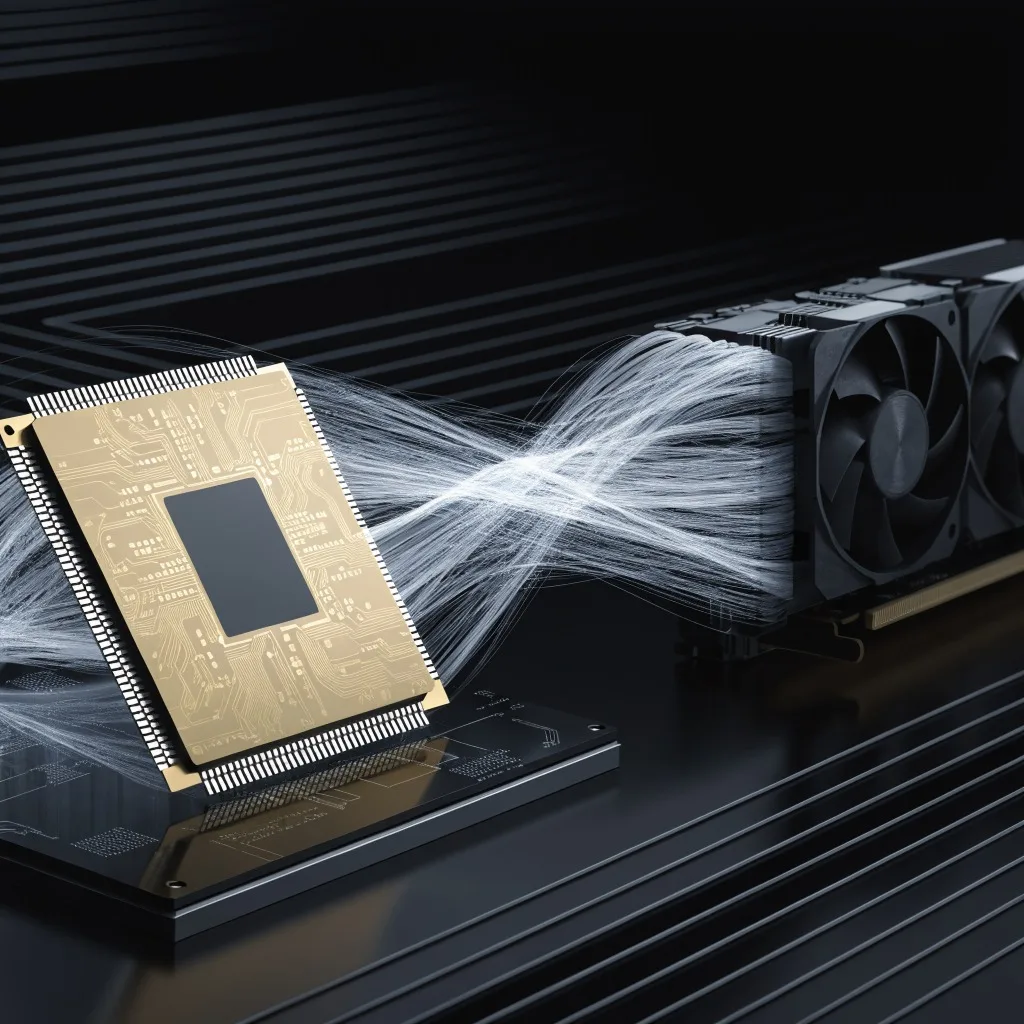
A CPU bottleneck happens when your processor can’t feed frames to your GPU fast enough, so the GPU sits underutilized. Think of it as a restaurant: the GPU is the kitchen (fast), and the CPU is the waiter taking orders (slow). If the waiter is too slow, the kitchen starves no matter how fast it cooks.
The reverse — a GPU bottleneck — is actually normal and desirable. In a healthy gaming PC, your GPU should be the limiting factor at 95-100% usage, because that means you’re getting everything out of your expensive graphics card.
How to Detect a Bottleneck (Without a Calculator)
Forget online “bottleneck calculators” that give a scary percentage. Most are inaccurate. The real test is observation:
1. Check GPU usage while gaming (use MSI Afterburner or the built-in overlay). If GPU usage is stuck below ~90% while frame rates are low, your CPU is the limiter.
2. Check CPU usage — if a single core is pinned at 100% while others idle, it’s a CPU bottleneck.
3. Lower the resolution — if frame rates barely improve when you drop from 1440p to 1080p, the CPU is the constraint.
That third test is the most telling. A GPU-limited system gains a lot of frames when you drop resolution; a CPU-limited system gains almost none.
The Rules of Thumb for 2026
Here’s how to match CPUs and GPUs at each resolution in 2026:
| Resolution | What Matters Most | Healthy Pairing |
|---|---|---|
| 1080p | CPU | Mid/high CPU + mid GPU |
| 1440p | Balanced | Mid CPU + mid/high GPU |
| 4K | GPU | Any modern 8-core CPU + high-end GPU |
Key insight: the higher the resolution, the less your CPU matters. At 4K, even a modest 6-core CPU rarely bottlenecks a high-end GPU, because the GPU is working so hard. Bottlenecks bite hardest at 1080p high-refresh.
Perfect CPU + GPU Pairings for 2026
| Budget Tier | CPU | GPU | Balanced For |
|---|---|---|---|
| Budget 1080p | Ryzen 5 9600X | Arc B580 | 1080p 60-120Hz |
| Mid 1440p | Ryzen 7 9700X | RX 9070 XT | 1440p 120Hz+ |
| High 4K | Ryzen 7 9800X3D | RTX 5080 | 4K 120Hz |
| Enthusiast | Ryzen 9 9950X3D | RTX 5090 | 4K/8K, streaming |
| Workstation | Core Ultra 9 285K | RTX 5080 | Productivity + gaming |
When a Bottleneck Doesn’t Matter
Bottlenecks are workload-dependent and dynamic. Every system has some bottleneck — you can’t eliminate them, only shift them. A “bottleneck” only matters when:
- You’re paying for performance you can’t use (e.g., an RTX 5090 with a 4-core CPU)
- Your frame rates are unstable or stuttering
- You’re trying to hit a specific high refresh rate and falling short
If your game runs smoothly at your target resolution and refresh rate, you don’t have a practical bottleneck — regardless of what a calculator says.
Bottom Line
Match your CPU and GPU to your resolution, verify with real GPU-usage data rather than online calculators, and remember that a GPU bottleneck is actually the goal. Get the pairing right and you’ll avoid the single most common — and most avoidable — mistake in PC building.
Ready to pick your components? Start with our Best CPUs of 2026 and Best GPUs of 2026 guides.